To download the Tools, Driver, and Firmware use the following link: Google Drive
|
C158 |
R132 |
|
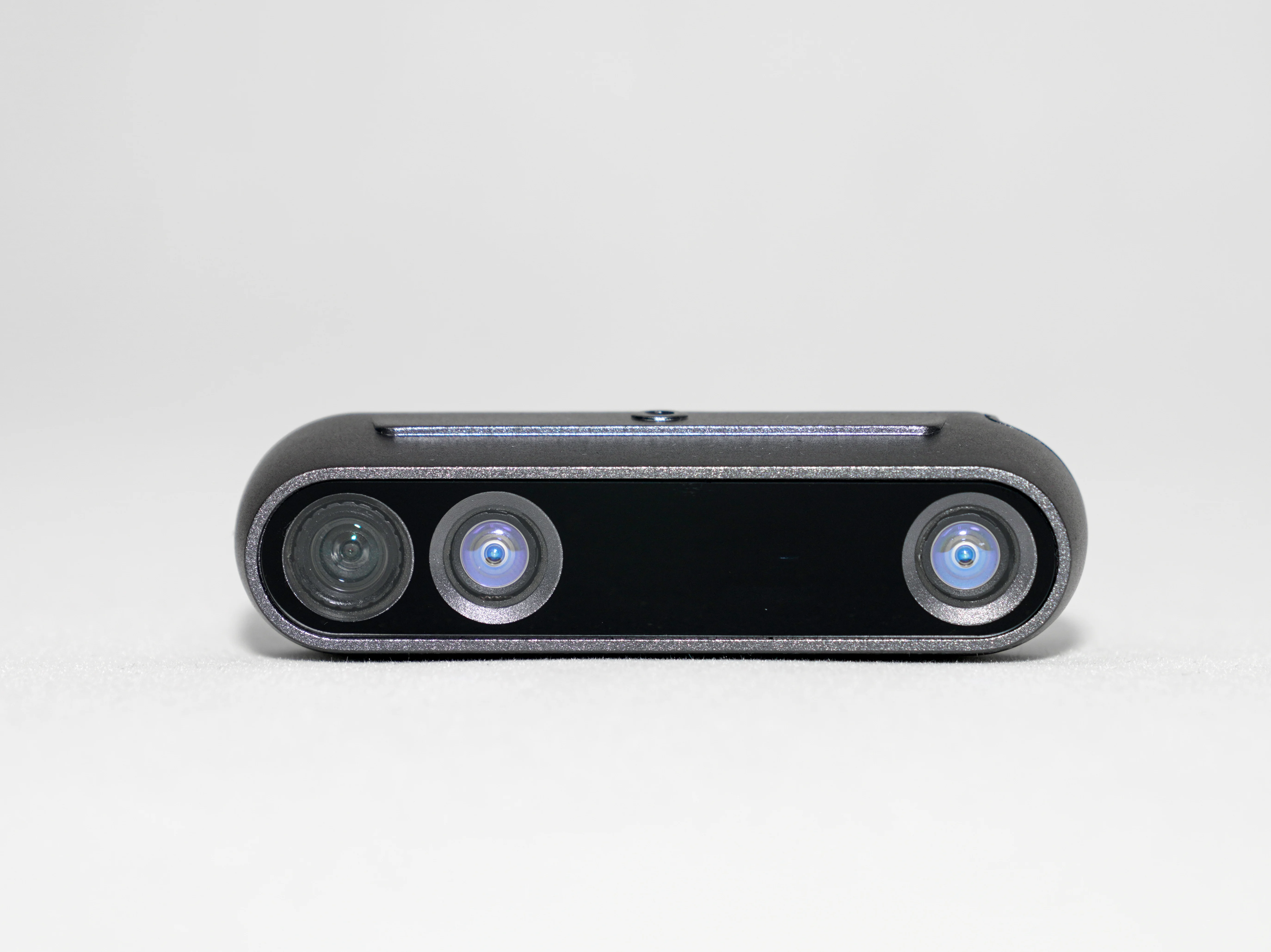
Product Overview C158 module is based on NU4000 chip design, highly integrated 3D depth perception, high-precision pose tracking, SLAM real-time positioning and map building engine, and powerful AI computing power in one, which can provide the industry with real-time 3D perception, and computing to system integration solutions. |
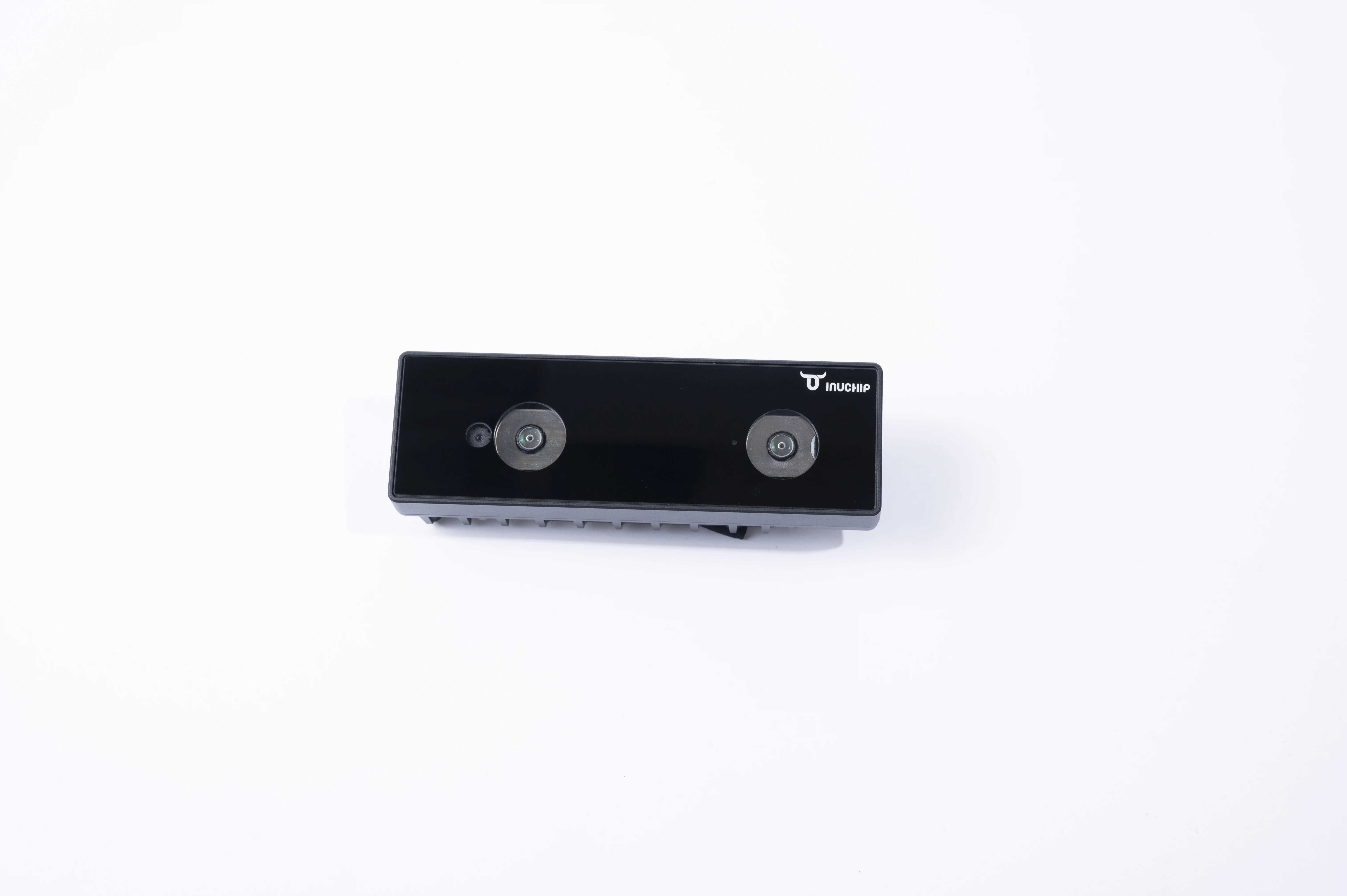
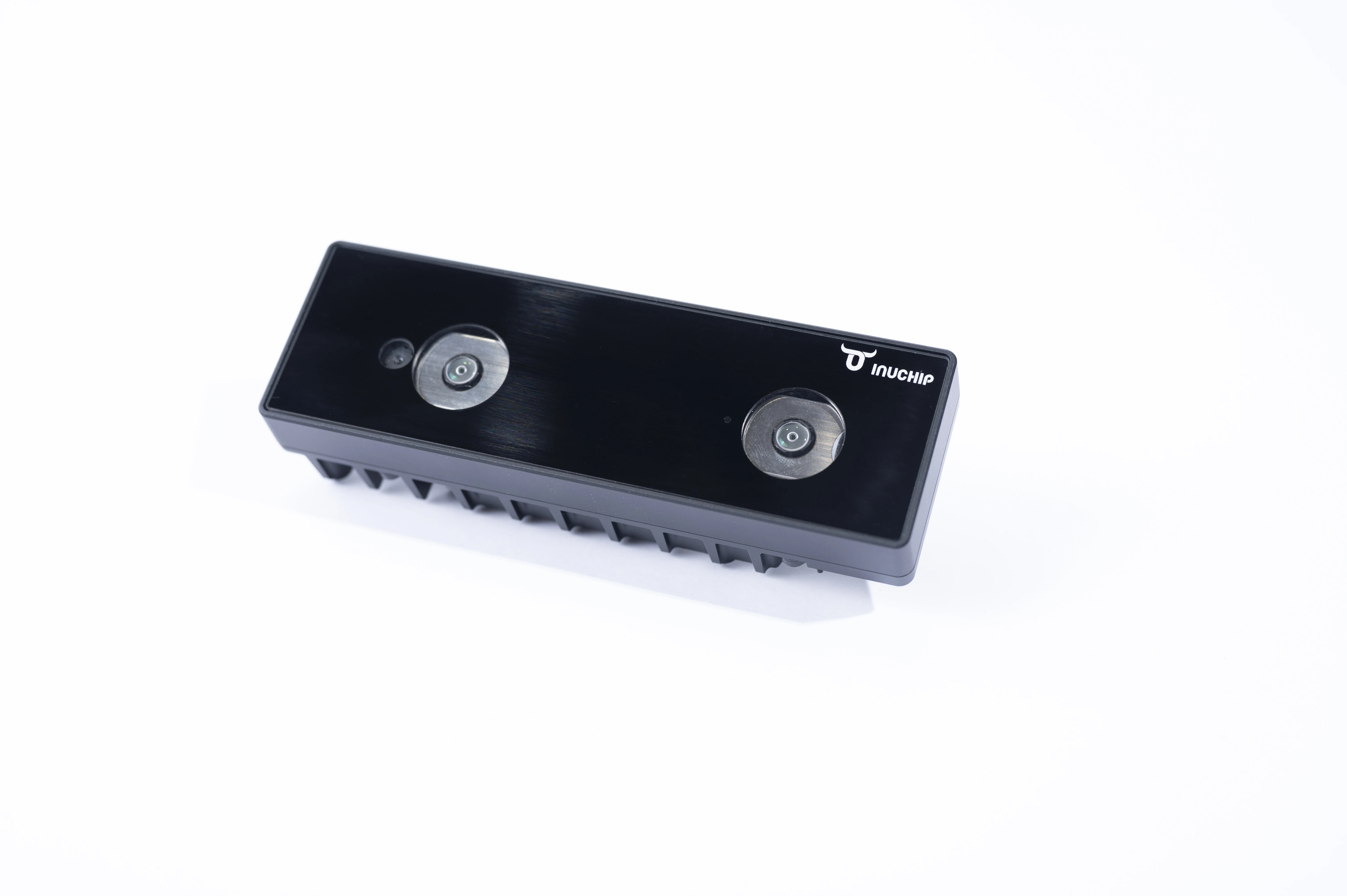
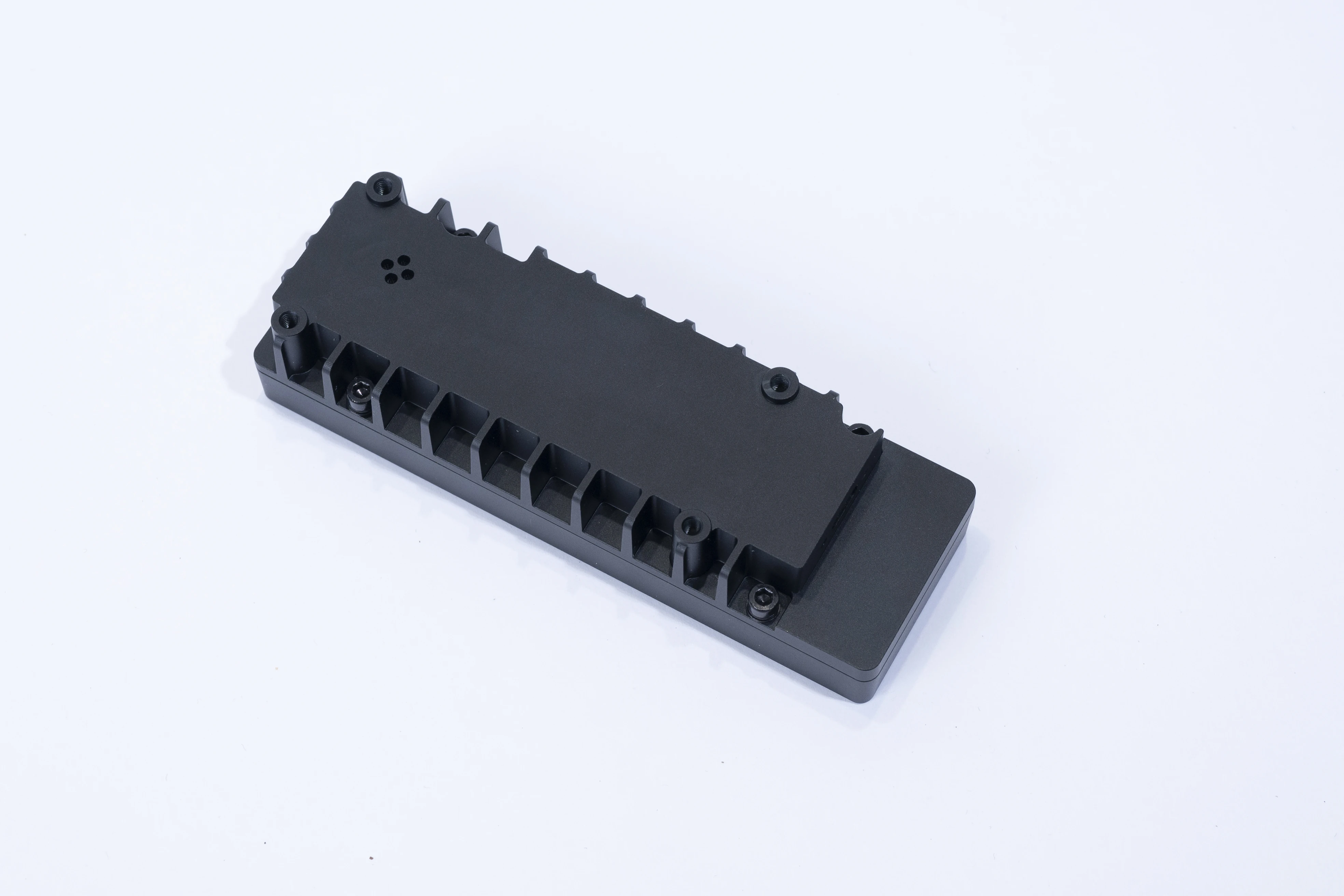
Product Overview Inuchip 3D machine vision module R132 is designed based on an NU4000 chip, which can realize powerful 3D depth perception and Al algorithm function, and can provide the industry with an integrated solution from real-time 3D perception, calculation to system. |
|
Application Industry Robot, meta-universe XR.3D interaction, 3D scanning, drones, smart home |
Application Industry Robotics, drones, live streaming devices, 3D scanning, smart home |
|
Powerful depth perception -0.3m-6m sensing distance -1280x800 resolution at 60fps -<2% depth accuracy error -Depth field of view: 66°x44° -RGB field of view: 60°x45° |
Powerful depth perception capability -0.25m-3m sensing distance -1280x800 resolution at 60fps -<2% depth accuracy error -Depth field of view:88°x58° -RGB field of view: 90°x73° |
|
SLAM real-time localization/tracking and mapping -Dual fisheye -Fisheye field of view 166.5° -On-board 6-axis sensor -High precision real-time mapping and repositioning at frame rates up to 100fps |
|
|
Low power consumption, small size -125 x 40 x27mm -Power consumption as low as 1.4W -Operating temperature: 0°~50° |
Low power consumption, small size -95x25x25mm -Power consumption as low as 1.4W -Operating temperature 0°~50° |
|
Rich interface and system support -USB or MIPI interface -Support various operating systems -Modules or peripherals are acceptable |
Rich interface and system support -USB or MIPI interface -Support for various operating systems -Modules or peripherals are available |
|
Robust NU4000 comprehensive capabilities -Al computing capacity of up to 2TOPs and Flexible configuration
-The universal ARM core supports different applications and can run the system independently |
Powerful NU4000 integrated capability -Up to 2TOPs of Al computing power and flexible configuration -Universal ARM cores support different applications and can run the system independently |


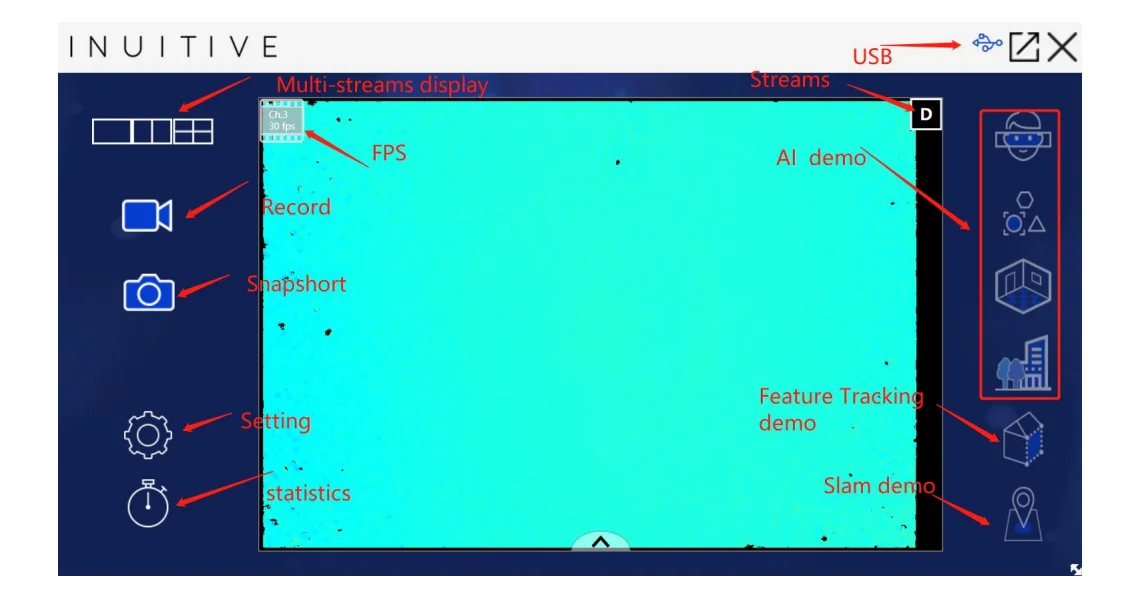
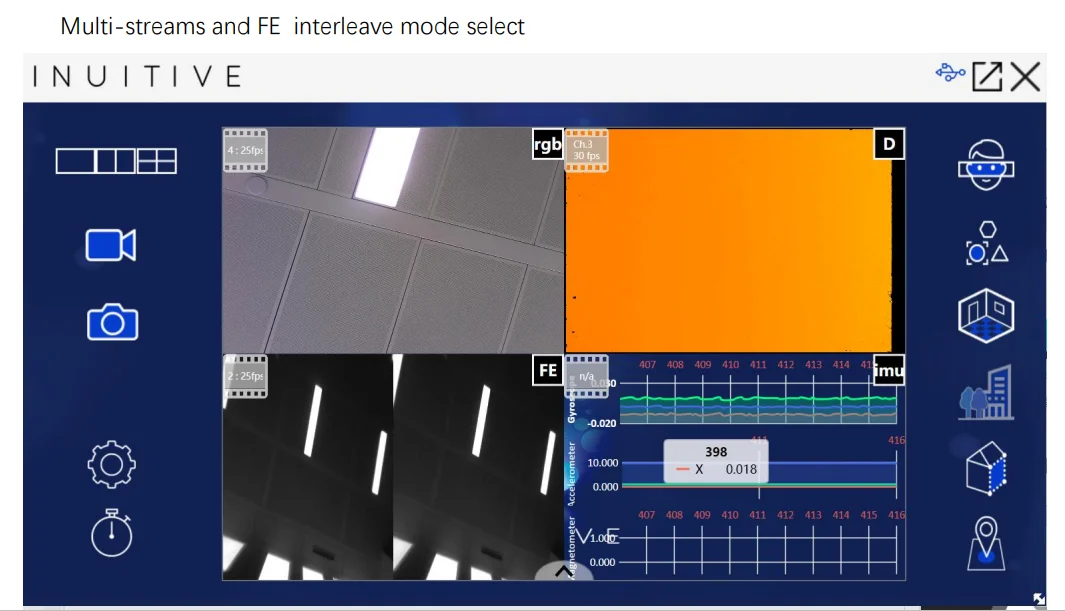
InuView Usage

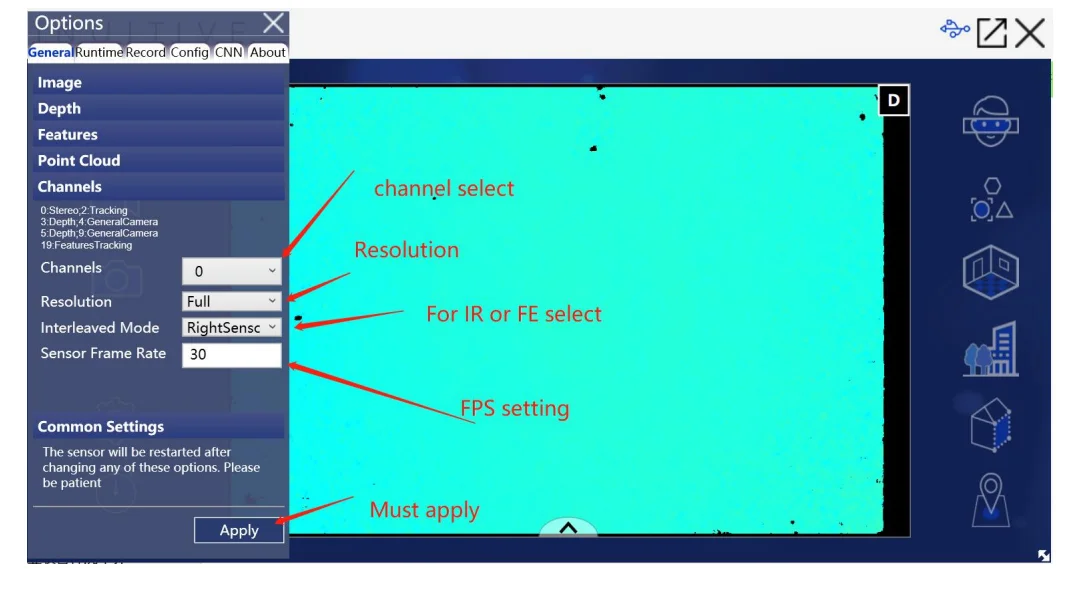
InuView uses -General setting
?
?
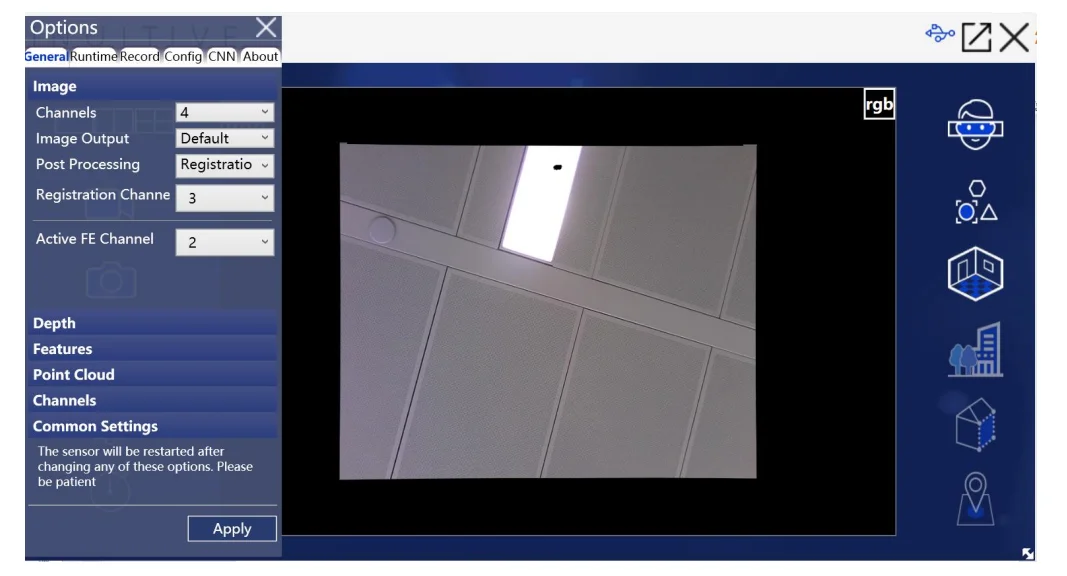
InuView uses -General setting Registration

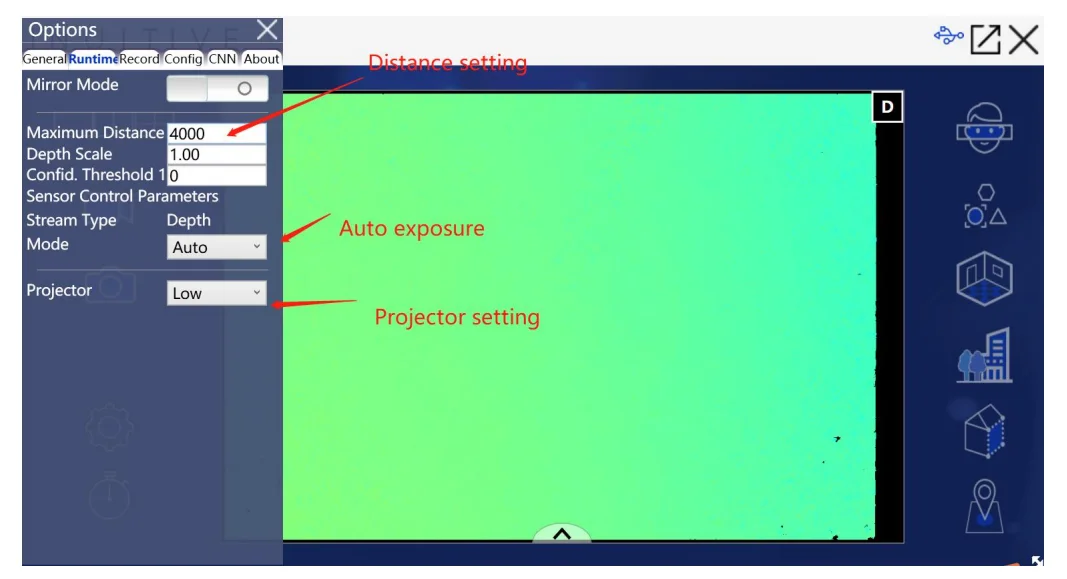
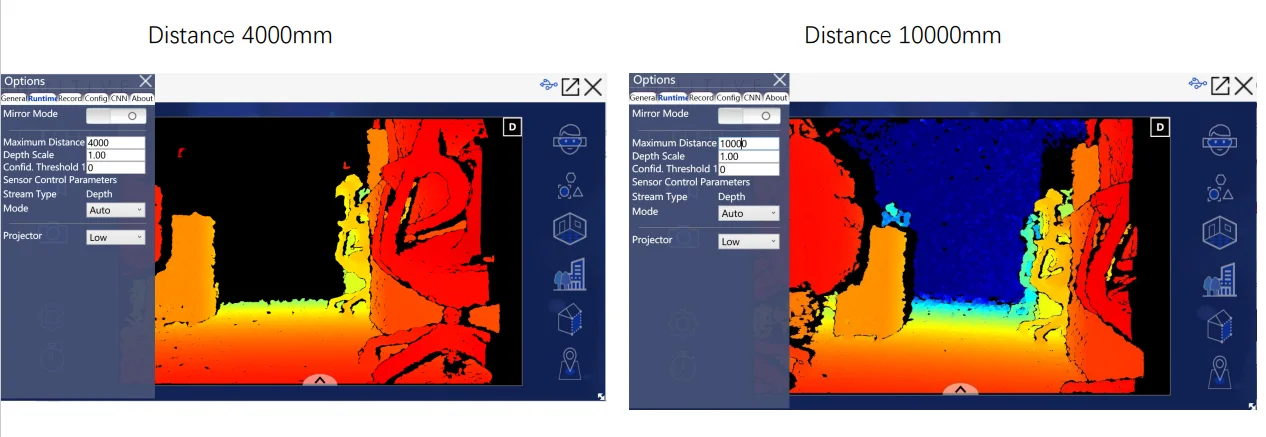
InuView uses -Runtime setting

InuView uses -Runtime setting

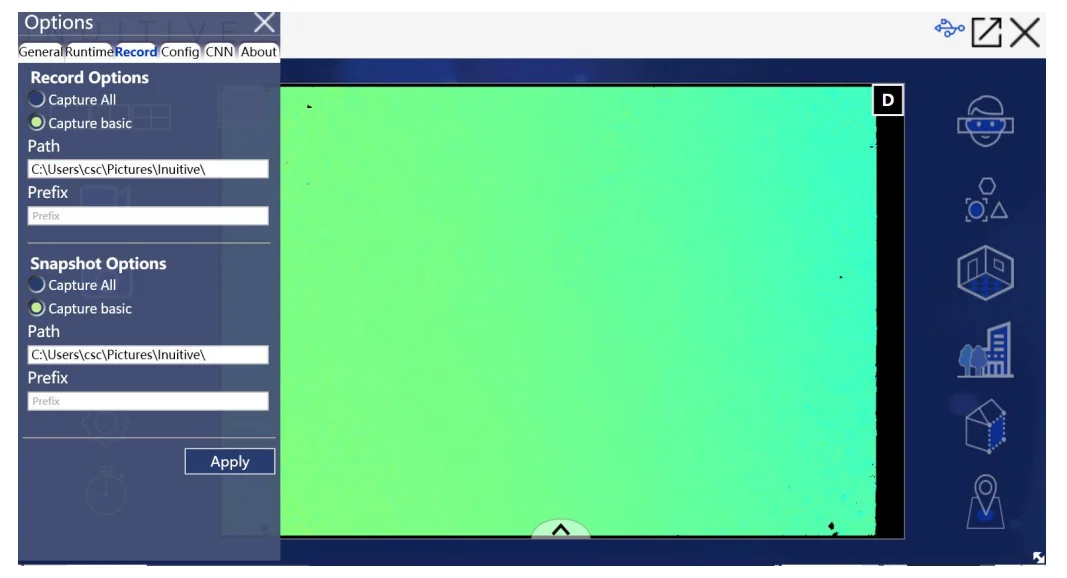
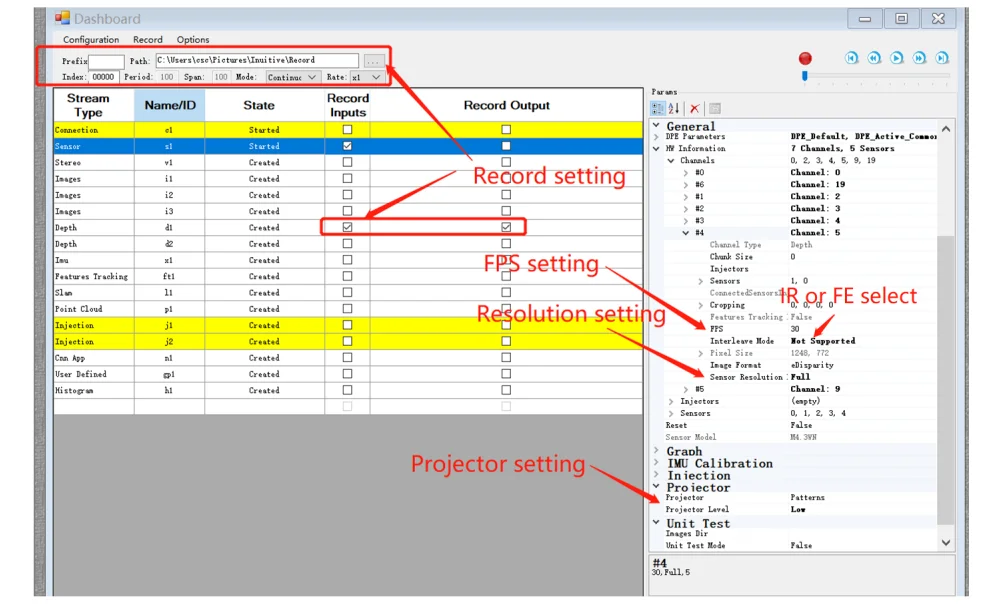
InuView uses -Record setting

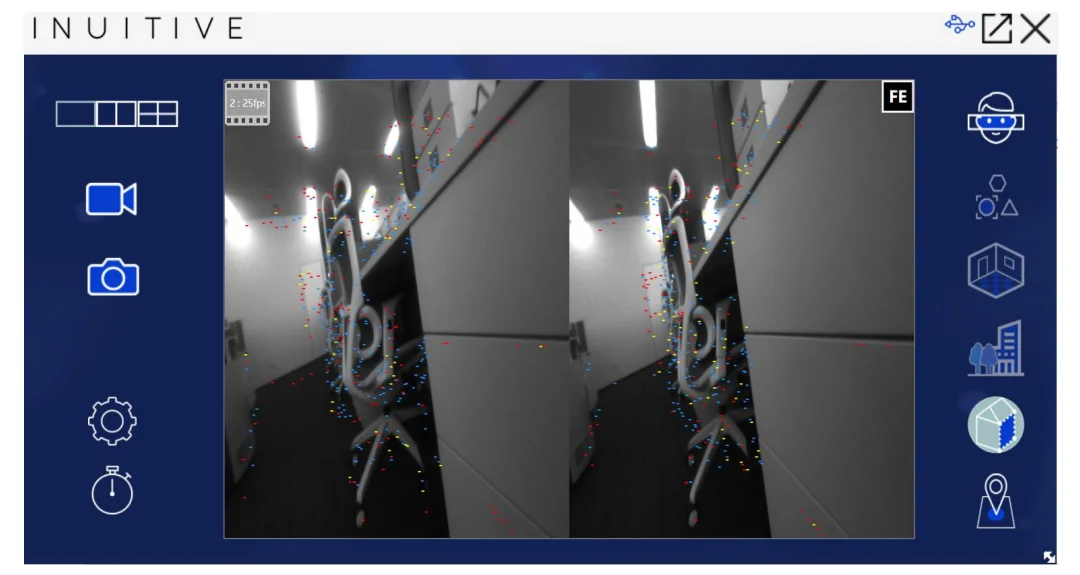
InuView uses -Feature tracking

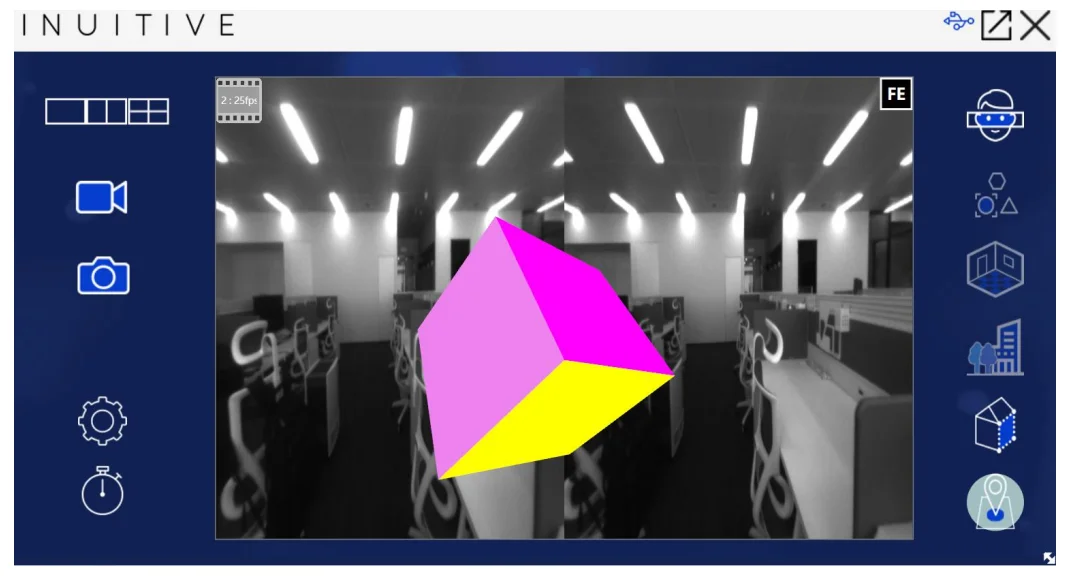
Use - Sixdof InuView

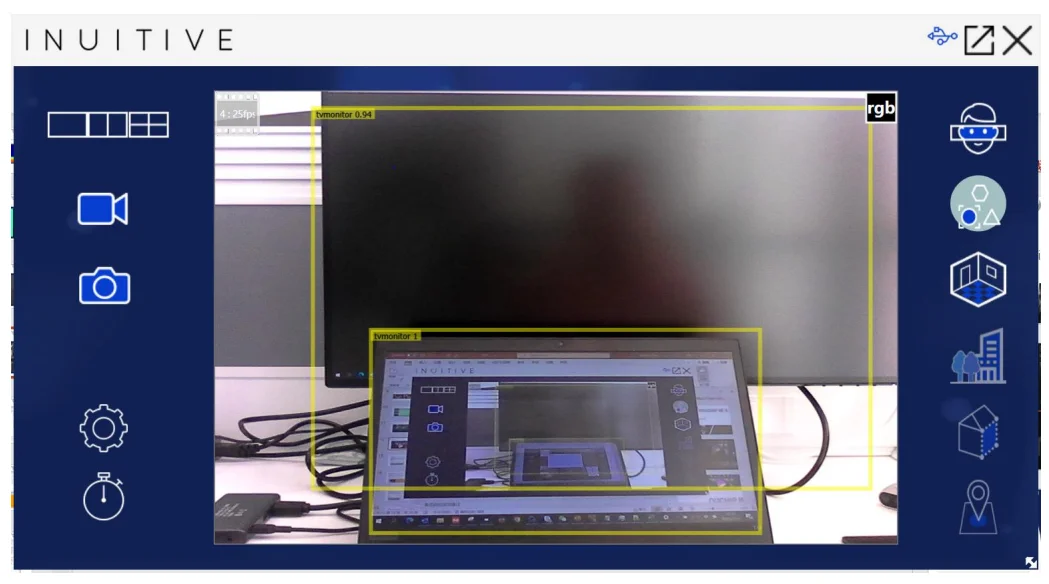
InuView uses -AI objects detection

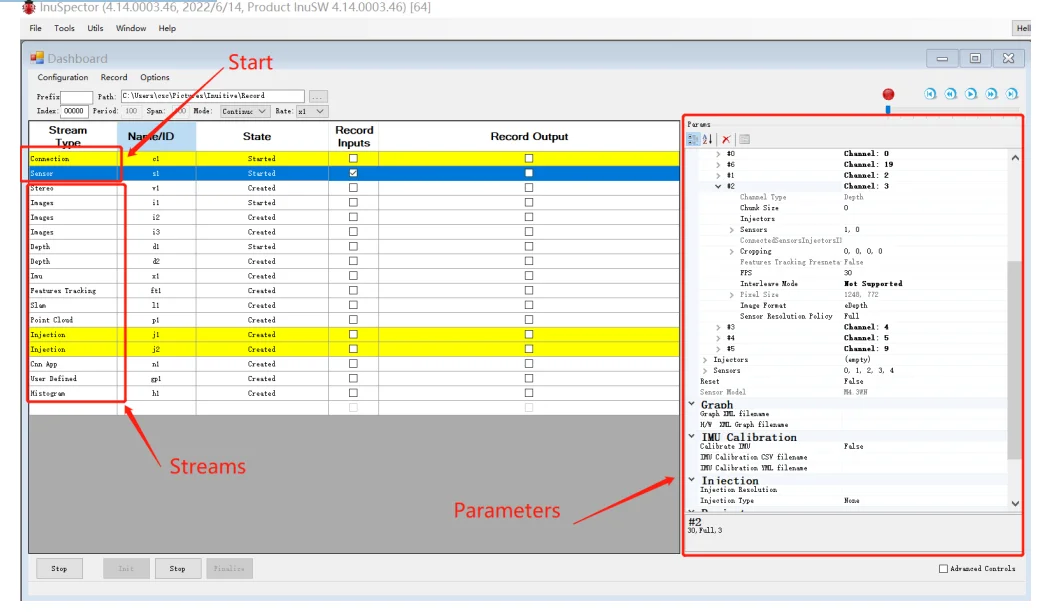
InuSpector use

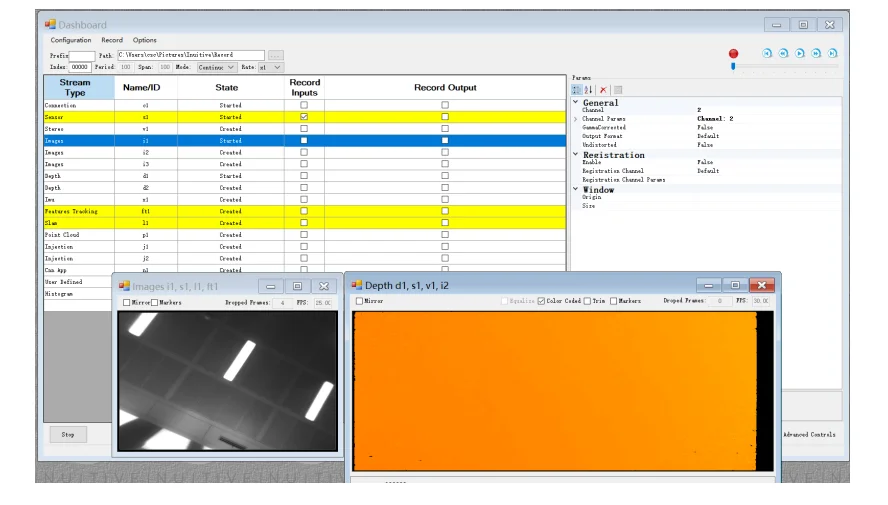
InuSpector uses -RGB and Depth Streams
Double-click connection, or select it, and click Start below
Double click Sersor, or select it, and click Start below
Then you can open the stream you want to open by double clicking Depth, RGB, as shown

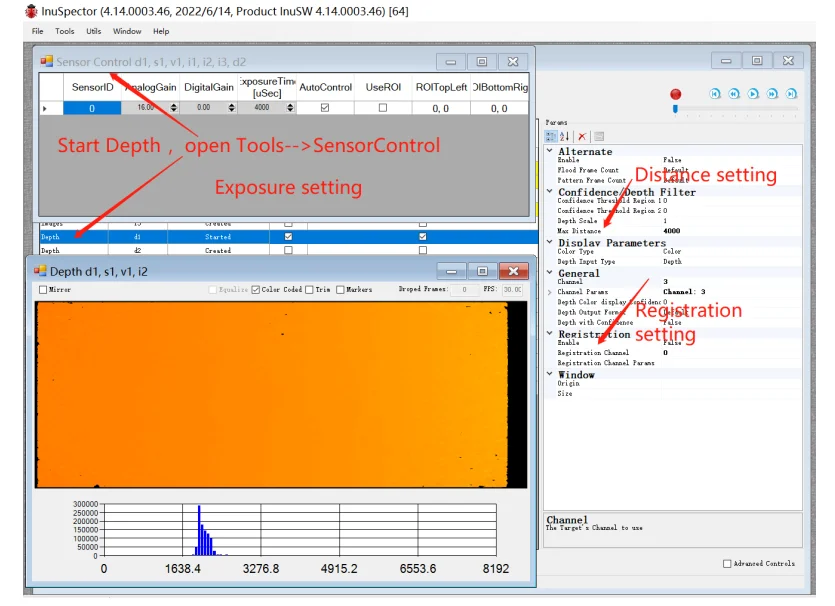
InuSpector use - setting

InuSpector use - setting

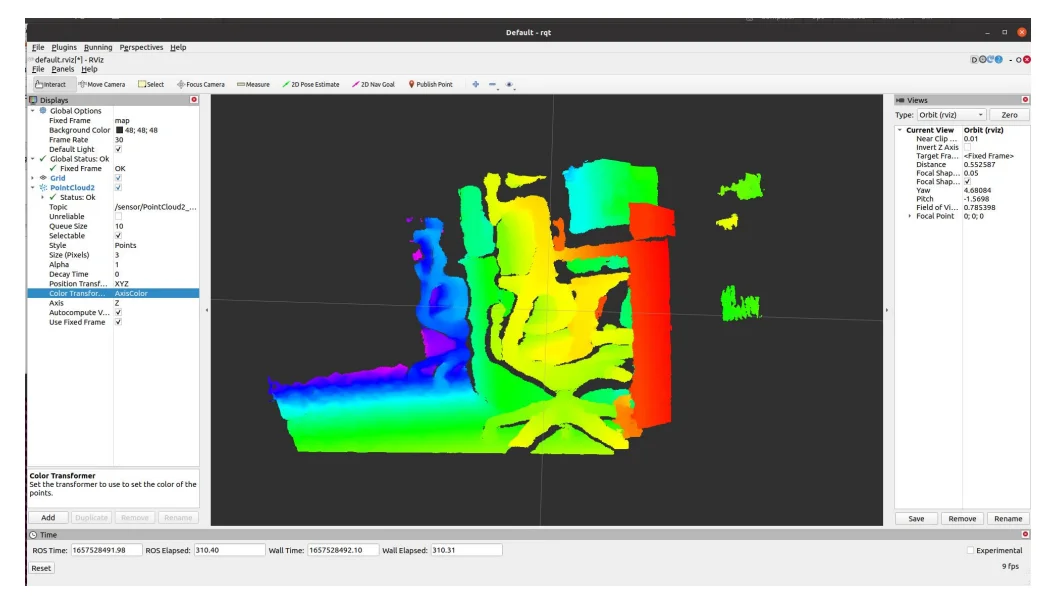
Point cloud display -ROS

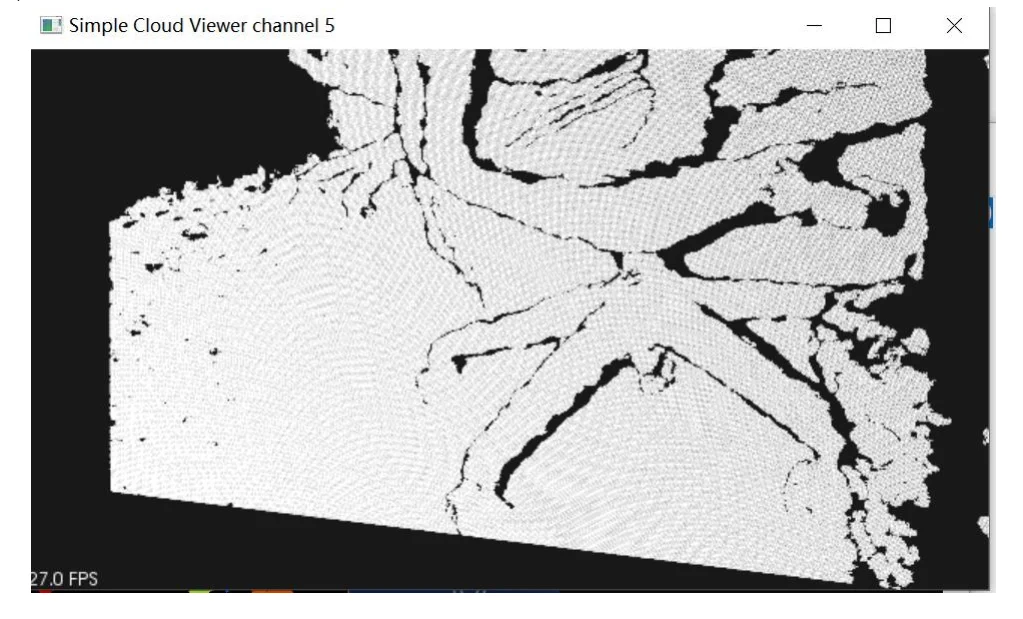
Point cloud Presentation -Sandbox